Buzz
Need a transcript or subtitle file?
Use Buzz to turn audio/video speech into TXT or SRT/VTT.
- Download your computer’s version below and install it; choose and download a local model for first use.
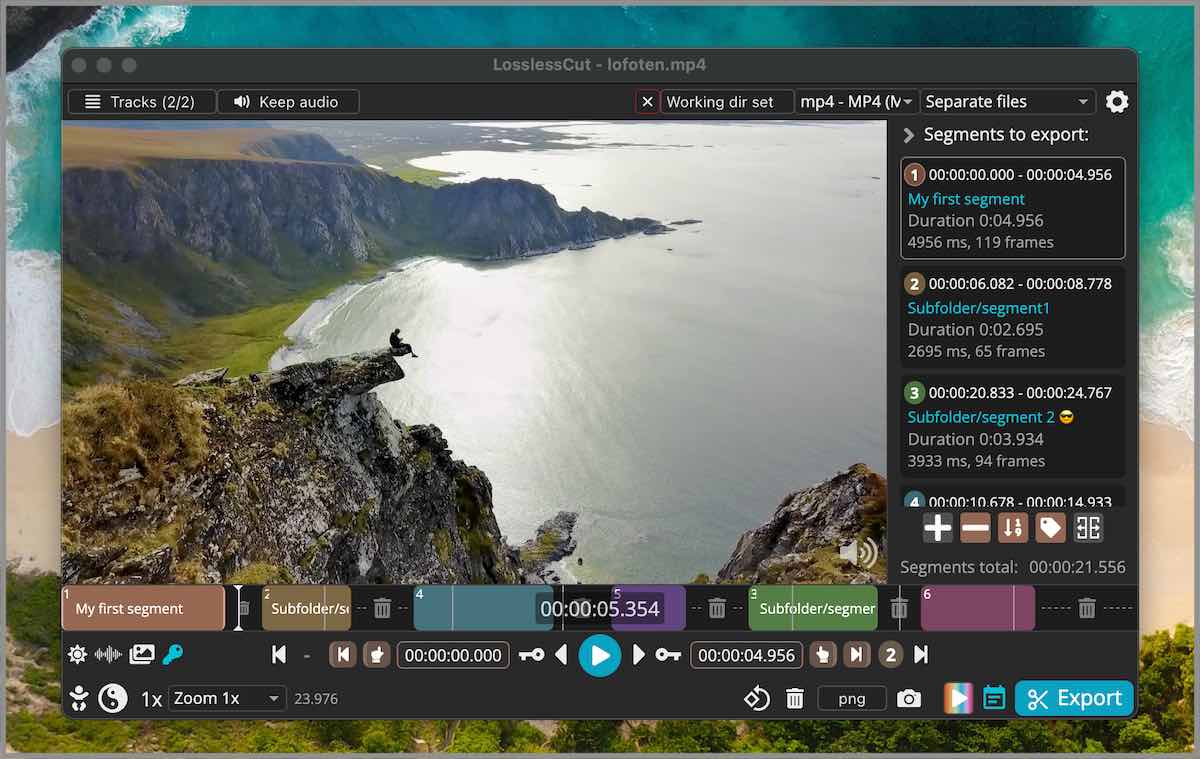
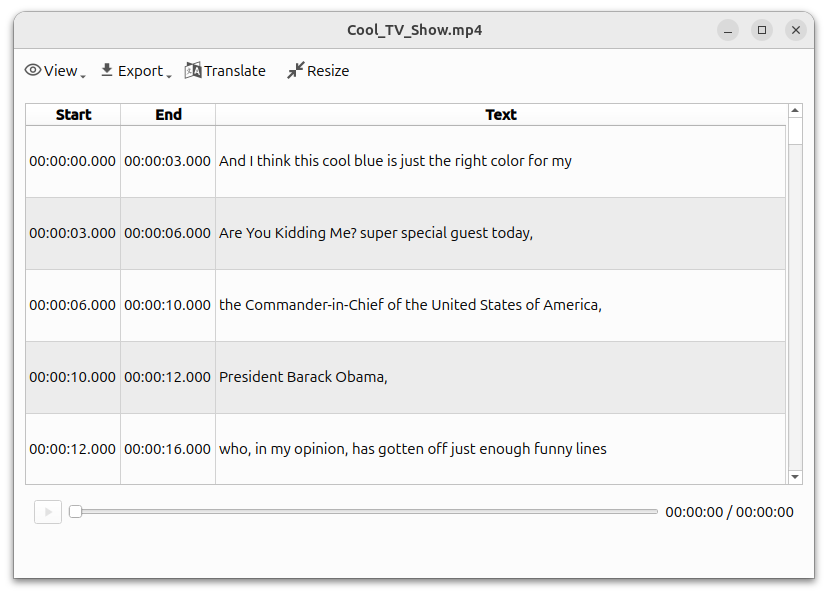
- Import a short clip, choose Transcribe and the language, then Run.
- Review words and timing; export TXT for text or SRT/VTT for subtitles.
Download Buzz · choose your computer
For computers, not Android or iPhone. Links open the official source in a new tab; Windows and Mac require selecting a file from the list. Avoid download advertisements.
In the file list choose Windows-X64. If it is a ZIP, extract it first and open the app from its folder.
Choose ARM64 for Apple Silicon or X64 for Intel. The last Intel-compatible release is 1.4.5. Extract ZIP if supplied; open the DMG and drag the app to Applications.
Open Buzz on Flathub and follow Install. Set up Flatpak on your computer first as required by your distribution.
To identify your Mac: Apple menu → About This Mac; Chip means Apple Silicon, Processor Intel means Intel. Downloads can be large; use your computer and a suitable connection.
Official installation instructions ↗Review transcript accuracy; subtitle files need importing into a compatible editor.