New GitHub guide
Replica Skill: turn an app idea into your own product
Eleven free, open-source Claude Code skills that help you research an app's behavior, plan a fresh implementation, build, test and improve it.
Not an instant one-click clone, and not a browser-run app. You need a coding assistant, setup and human review. Results depend on project complexity.
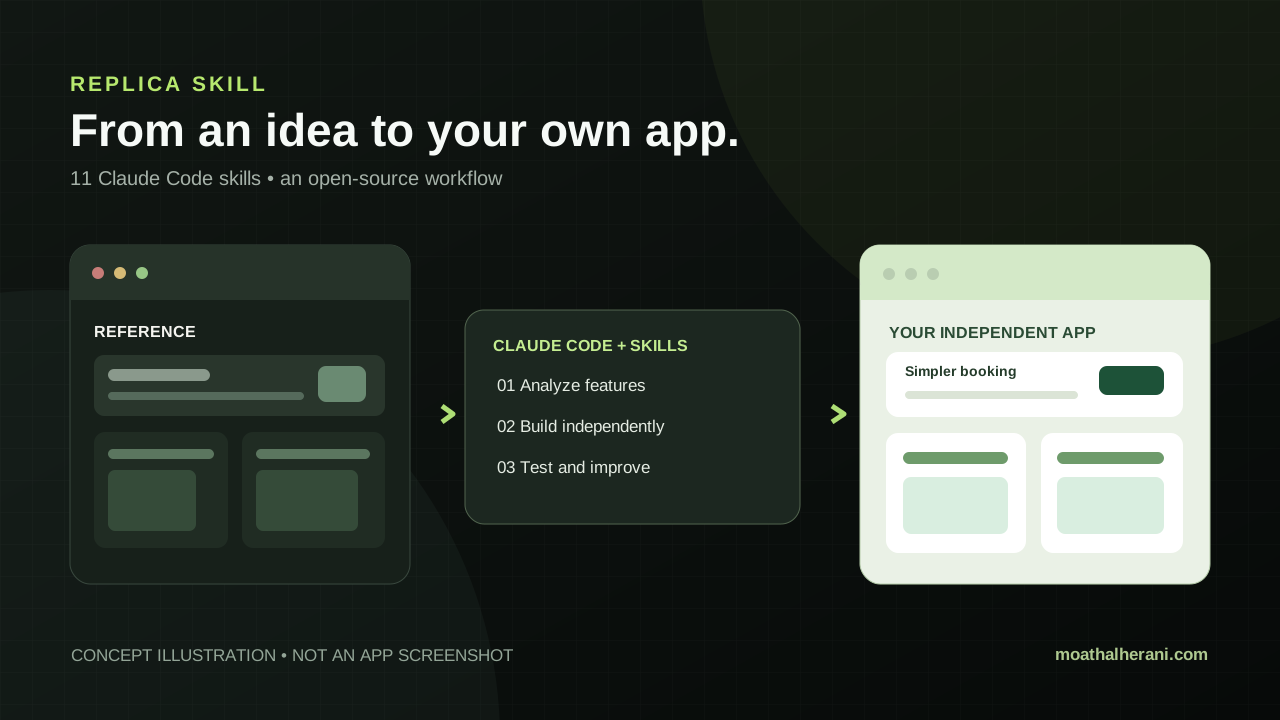
How it works
Study the experience
Start with public material or your own account. Map features and journeys, not someone else's code.
Build independently
Use architecture, design and build skills to make your own project with original code and branding.
Test and improve
Check bugs, compare feature coverage and refine the experience before launch.
See how it could work
Illustrative example: an appointment booking app
Imagine building your own scheduler where visitors choose, confirm and reschedule an appointment. This is a hypothetical learning example, not a project we tested or a guaranteed output.
Try a starter command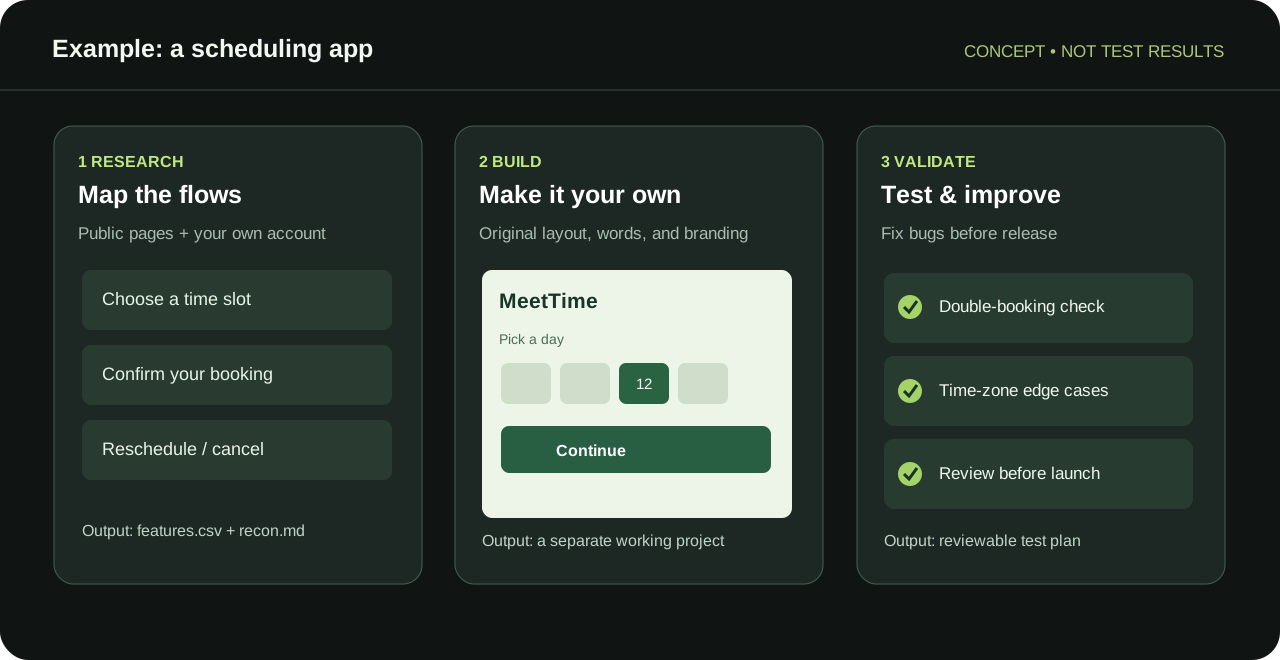
A first command to try
Enter this in Claude Code after installing the plugin. If skill suggestions appear, choose replica-recon. Do not include passwords or client data in the request.
/replica-skill:replica-recon
Map an appointment booking app from public pages only. Identify screens, booking/cancellation flows and essential features. Propose a separate original product plan. Do not copy source code, branding, text or protected assets.All 11 skills, explained
These are Claude Code plugin commands, ordered from research to launch.
/replica-reconMap screens, features and flows from permitted sources
/replica-architectPlan the stack, data model and APIs
/replica-designCreate a fresh design system with original assets
/replica-buildBuild independent screens and features
/replica-backendAdd auth, data and authorized integrations
/replica-testTest journeys and report defects
/replica-diffCheck feature parity and missing parts
/replica-entrepreneurRead sourced reviews to find problems worth solving
/replica-brandCreate a different name and identity; check conflicts
/replica-launchDraft landing page, pricing and launch copy
/replica-deployRun preflight checks before deploying to your domain
When installed as a plugin, commands are namespaced with replica-skill: as shown in the starter example.
Source and requirements
Made by Jake Schincariol and published on GitHub under MIT. The source is free, but Claude Code/model access and optional hosting or integrations may cost extra. Setup requires a computer with Claude Code; some helper scripts need Python 3.8+.
MIT • Git commit 77c9436fb3 • 21 Oct 2026
Read the original documentationImportant boundaries
These skills guide a clean-room reimplementation of functionality and user flows. They do not grant rights to proprietary code, names, logos, content, user networks or restricted data. Check licenses, terms, permissions and testing before launch.
See setup stepsQuick questions
Is Replica Skill free?
The MIT-licensed skill files are free. Your AI assistant may require a paid plan, and hosting or integrations may add costs.
Can I run it from a phone?
This is not a phone app. The documented workflow uses Claude Code on a computer. A phone can read this guide.
Can it copy Instagram or WhatsApp exactly?
No. It can help study permitted public patterns and build a separate product. It cannot reproduce proprietary data, user networks, protected assets, or guarantee full parity.
Do I need programming experience?
The skills can help implement a project, but scoping, code review, testing and configuring services remain important before going live.