Free sound effects
The sound effects pack from my Claude Code Reel
12 free sound effects to download and use in your videos: whoosh, boom, beat drop, camera shutter and more. Plus how Claude Code placed 160 sounds on the words in the Reel, and the prompt.
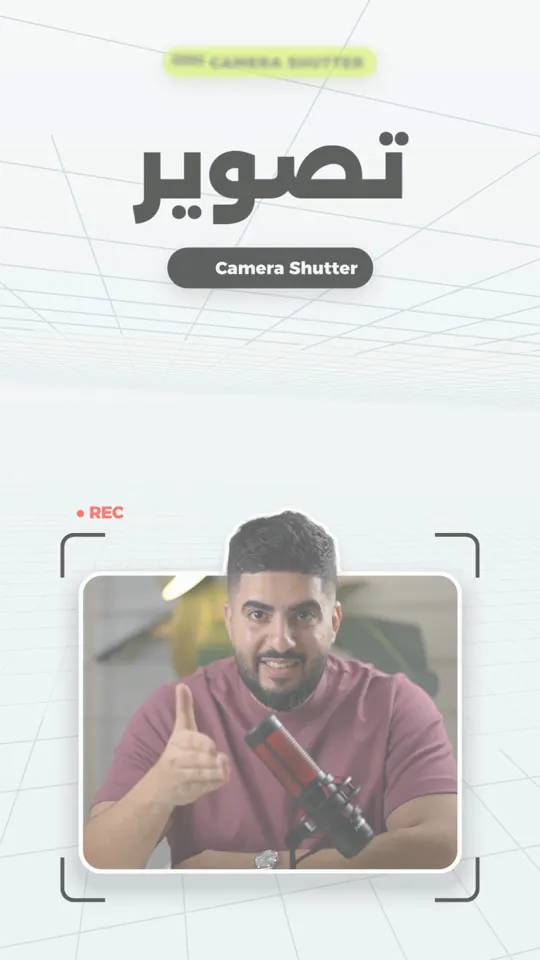
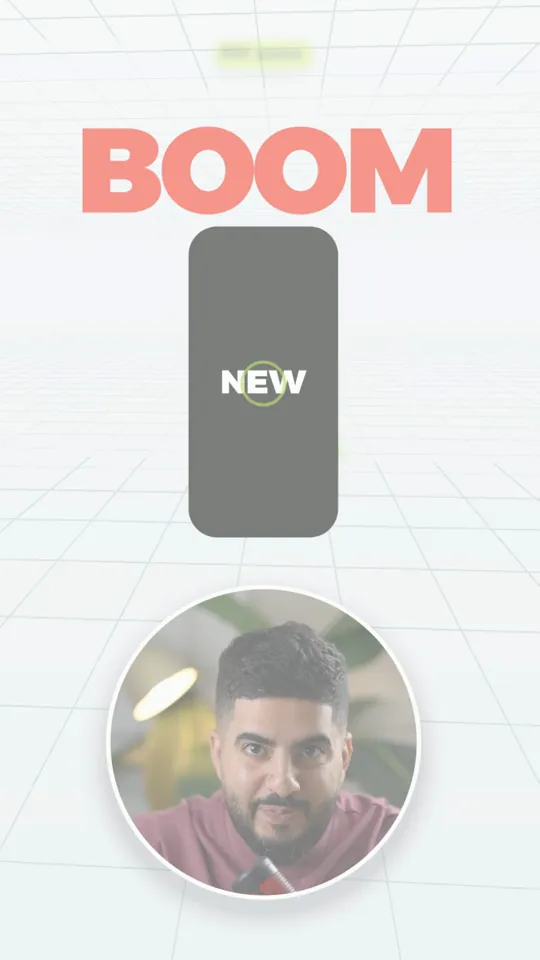
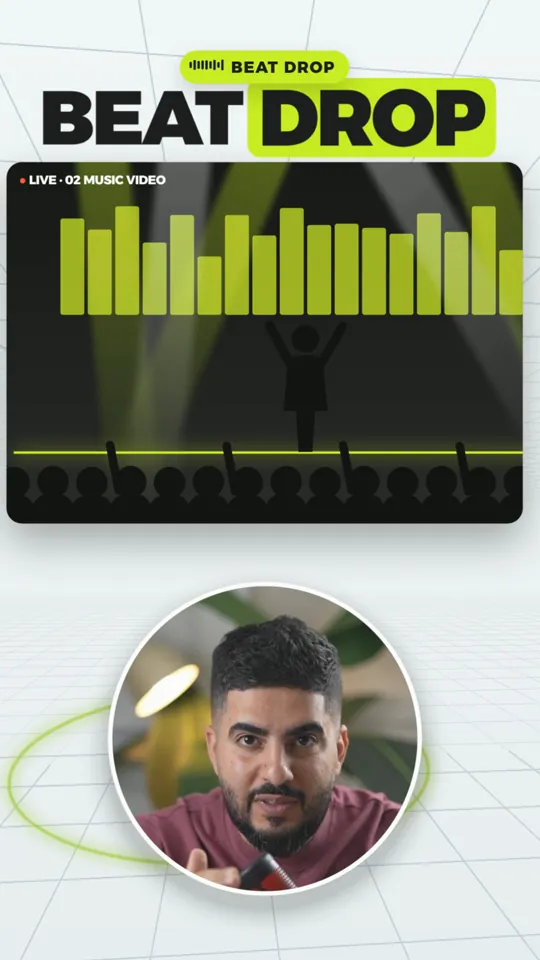
- free sound effects
- 12free sound effects
- 48 kHz, 24-bit, edit ready
- WAV48 kHz, 24-bit, edit ready
- sounds Claude Code placed in the Reel
- 160sounds Claude Code placed in the Reel
- manual timing edits
- 0manual timing edits
Listen and download
I made them from scratch with code, no samples, so you can use them in personal and commercial videos. Press play to listen, download any sound on its own, or get the full WAV pack.
Whoosh1.3s
Scene transition, peak on the cut
Swoosh0.6s
Fast move for text or a card
Boom3.2s
The big moment of the video
Beat Drop2.4s
The drop after a build-up
Riser3.0s
Tension before a hook or a drop
Impact Hit1.8s
A number or a product appears
Camera Shutter0.4s
A photo or a frame appears
UI Click0.1s
A button or an icon
Pop0.2s
A card or a word pops in
Glitch0.9s
A problem or an error on screen
Ding2.2s
A solution or a correct result
Keyboard Typing2.2s
Only when text is really being typed
Use them freely in your videos. Please do not sell or re-upload the pack; share this page instead.
How they sound in the Reel
Every sound I name became a real sound at that exact moment: a whoosh on the word whoosh, 5 layers on BOOM, and a drop on the first beat. Listen to clips from the final Reel:
- Whoosh → every transition has a sound → BOOM
- Beat drop and every hit on the beat
- Shutter, subscribe, pop, swoosh
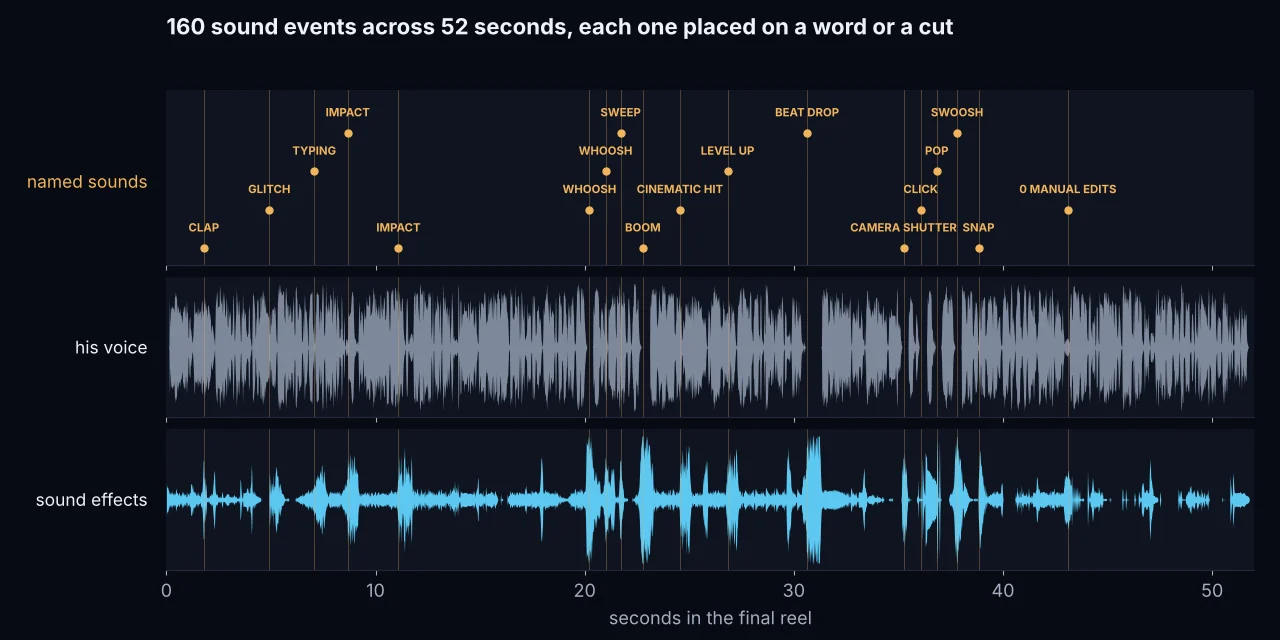
Where each sound goes
These are the rules Claude Code followed in the Reel. Above all, your voice stays the clearest thing.
- WhooshScene change: the peak sits exactly on the cutUnder your voice while you talk
- BoomOnly the big moment, once or twice per video5 layers, above your voice
- Beat DropOn the first beat after the build-upAbove your voice
- Impact HitWhen a number or a product appearsClose to your voice
- Camera ShutterWhen a photo or a frame appearsClear and short
- Pop · ClickA card, a word or an icon pops inLight, under your voice
- Glitch · DingGlitch for a problem, ding for the fixUnder your voice
- KeyboardOnly while text is really being typed on screenQuieter than your voice
Loud without covering your voice
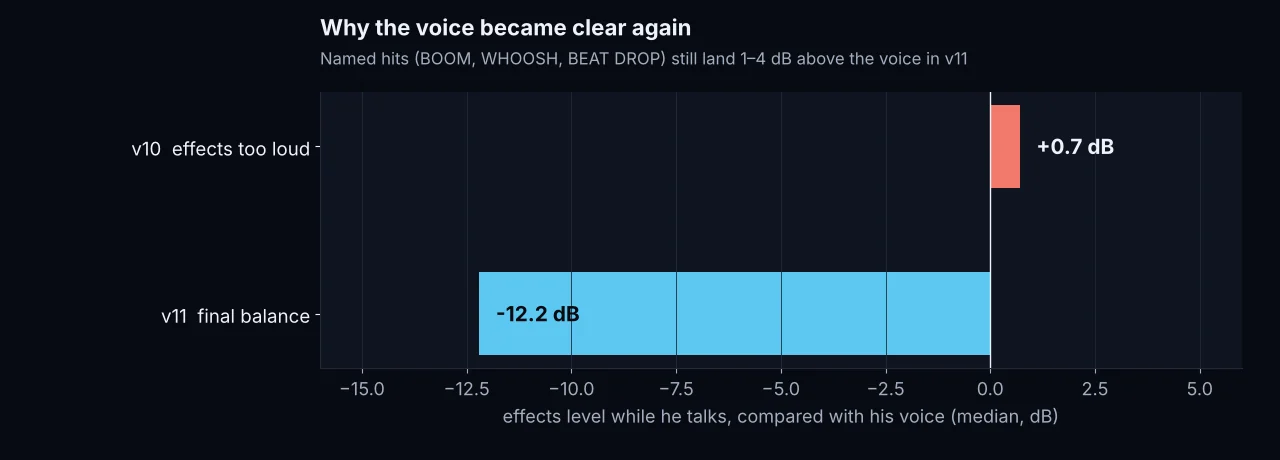
In version 10 the effects went up so much that my voice got lost: while I talked they sat 0.7 dB above it. In the final version they drop 12 dB under my voice whenever I talk, and the named sounds still land above it.
The sound placement prompt
Upload your video and the pack to Claude Code, paste the prompt, and change the parts in [ ].
You are a professional sound designer. I have a video called [file name] and I want you to add sound effects to it professionally.

1) Transcribe my speech word by word with timestamps, so every sound lands on its word.
2) Every sound I name (whoosh, boom, beat drop, camera shutter, click, pop, swoosh) must be a real sound, loud and clean, at the exact moment I say it.
3) Use the sounds in the attached pack [Moath_SFX_Pack], or from licensed free libraries such as Mixkit and Pixabay.
4) Rules:
- Transitions: a whoosh with its peak exactly on the cut.
- A number or a product appears: an impact hit.
- A photo or a frame appears: a camera shutter.
- A card, a word or an icon: a pop or a click.
- A problem: a glitch. The fix: a ding.
- Keyboard only while text is being typed on screen.
- Boom only for the big moment.
5) Levels:
- The sounds I name land 1 to 4 dB above my voice.
- Every other effect sits about 12 dB under my voice while I talk.
- My voice stays the clearest thing, and no background music.
6) Every sound lands on its word or cut, frame accurate. Measure the levels, tell me the numbers, and deliver a high-quality MP4.
إنت مصمم صوت محترف. عندي فيديو اسمه [اسم الملف] وبدي تركّب عليه مؤثرات صوتية بشكل احترافي.

1) فرّغ كلامي كلمة كلمة مع التوقيت، حتى كل صوت يركب على كلمته.
2) كل صوت بحكي اسمه (ووش، بوم، Beat Drop، تصوير، كليك، بوب، سوش) لازم يطلع صوت حقيقي، قوي وصافي، بنفس اللحظة اللي بحكيه فيها.
3) استخدم الأصوات من الحزمة المرفقة [Moath_SFX_Pack]، أو من مكتبات مجانية مرخصة مثل Mixkit و Pixabay.
4) القواعد:
- الانتقالات: ووش، وذروته على القطع بالضبط.
- رقم أو منتج بيطلع: ضربة.
- صورة أو إطار بيطلع: شتر كاميرا.
- كرت أو كلمة أو أيقونة: بوب أو كليك.
- مشكلة: جلتش. حل: دينج.
- الكيبورد بس لما في نص بينكتب على الشاشة.
- البوم للحظة الكبيرة بس.
5) المستويات:
- الأصوات اللي بسميها أعلى من صوتي بـ 1 لـ 4 dB.
- باقي المؤثرات تحت صوتي بحوالي 12 dB وقت ما أحكي.
- صوتي لازم يضل أوضح شي، وبدون موسيقى خلفية.
6) كل صوت يركب على الكلمة أو القطع على مستوى الفريم. قيس المستويات وقلّي الأرقام، وسلّمني MP4 بجودة عالية.
The sounds in the Reel itself
The sounds you hear in the Reel come from free libraries: Mixkit and Pixabay. Their licenses let you use them in your videos but not re-host the files here, so these links open the library itself.
GLITCH0:04
Glitch on the word “missing”
MixkitTYPING0:07
Keyboard only while the command is typed
MixkitWHOOSH0:20
One strong whoosh, peak on the cut
PixabayBOOM0:22
5 layers: two booms, a cinematic hit, sub and impact
Pixabay + MixkitBEAT DROP0:30
Drop + hit + boom on the first beat
Pixabay + MixkitCAMERA SHUTTER0:35
A real camera shutter
PixabayCLICK0:36
Click + a small bell 80 ms later
PixabayPOP0:36
Two pops back to back
PixabaySWOOSH0:37
A short swoosh
Pixabay
Quick questions
Is the pack really free?
Yes. 12 sounds made from scratch with code, free to download and use in your videos.
Can I use them in commercial videos and ads?
Yes, in personal and commercial videos. Just do not sell or re-upload the pack as a pack.
Why are they not the exact sounds from the Reel?
Those come from Mixkit and Pixabay, whose licenses do not allow redistributing the files as they are. You can download them free from those libraries using the table above.
How do I keep effects loud without covering my voice?
Keep the sounds you name slightly above your voice, and pull every small effect about 12 dB under your voice while you talk.
How do I get Claude Code to add them to my video?
Upload the video and the pack, and paste the prompt above. It transcribes your speech, puts each sound on its word and measures the levels.